Low-code testing tools simplify the testing process. All of the complexity of coding is taken care of by the features designed by the development team of the tool.
Thanks to these low-code tools, a little bit of technical know-how is more than enough to start testing. It opens up QA to a broader audience.
In this article, we review the top low-code, no-code, and codeless testing tools for 2026. For a wider view that includes full-code options, see our list of automation testing tools.
What is low-code testing?
Low-code testing means building automated tests with visual editors, keyword libraries, and reusable steps instead of writing every script by hand. You record or assemble a flow, then add logic, test data, or a short code snippet only where you need it.
You’ll also see the terms no-code, codeless, and scriptless testing. Codeless and scriptless are the same idea as no-code: you build the whole test without writing code, usually with record-and-playback or drag-and-drop steps.
No-code vs low-code vs full-code testing
In practice, few tools are purely “codeless”. Most offer a mix, and teams move between modes as tests get more complex:
No-code
Low-code
Full-code
How you build tests
Record-and-playback, drag-and-drop, or plain-English steps
Visual steps and keywords, with scripts where needed
Scripts in a programming language
Who it suits
Manual testers, business analysts, product managers
Testers with some scripting knowledge
Automation engineers and developers
Complex logic
Built-in conditions only
Branching, parameters, custom snippets
Anything the language supports
Maintenance
Update steps in the UI
UI updates plus some script edits
Edit the code
1. Katalon [All-in-one Low-code Testing Tool]
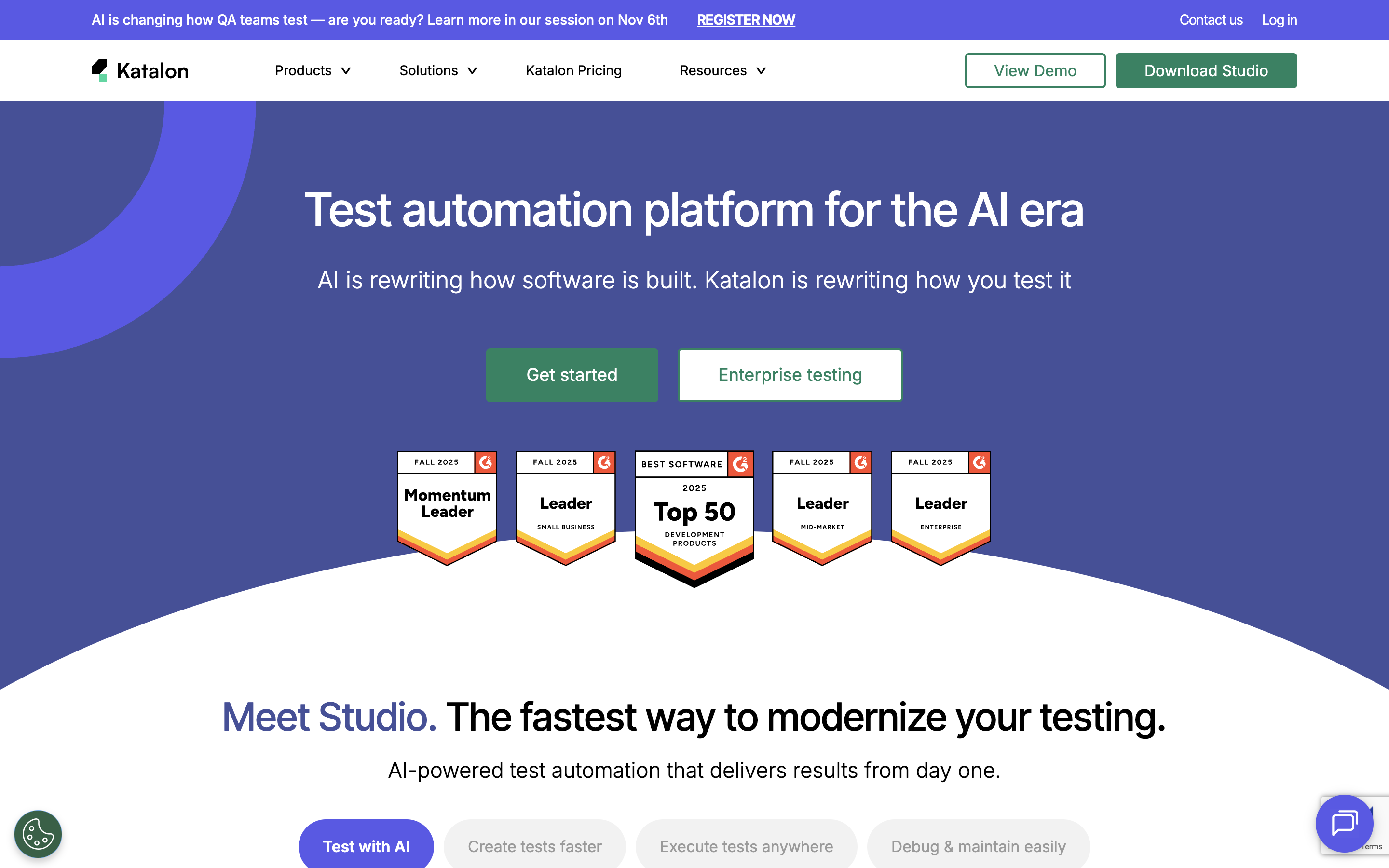
Katalon accompanies your QA team throughout the entire software testing life cycle.
With Katalon, you can write tests in 3 modes (no-code, low-code, full-code), manage tests in a centralized dashboard, schedule test runs, execute tests across environments, and generate detailed reports.
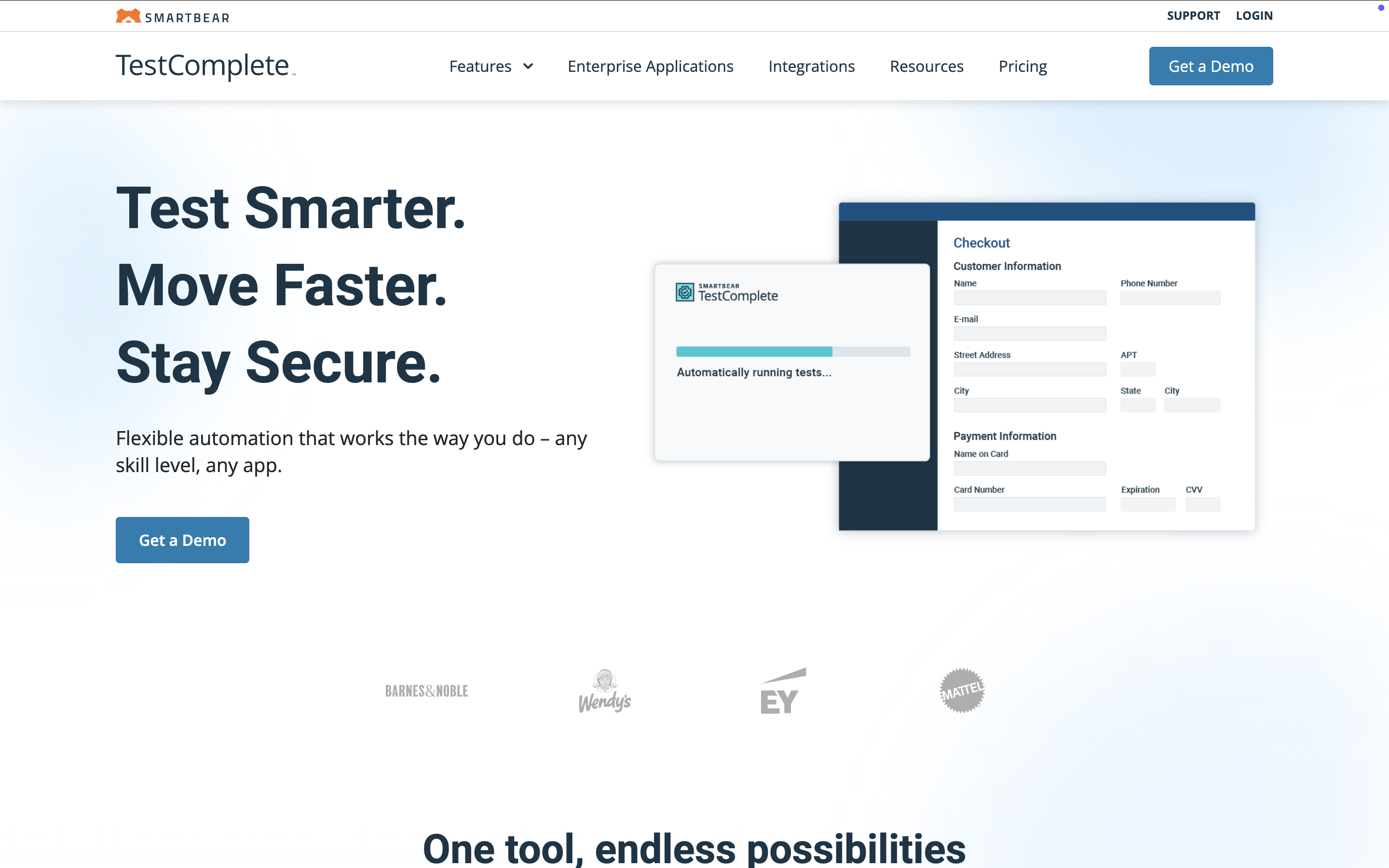
TestComplete can automate functional UI testing for desktop, mobile, and web applications. With built-in support for 500+ controls and third-party frameworks, TestComplete is a good software testing tool, able to handle and identify dynamic UI elements in most current technologies.
Feature highlights:
Support JavaScript, Python, VBScript, JScript, Delphi, C++, C#
Record & playback, manual, and scripting modes with built-in keywords
Property-based and AI-powered visual recognition
Parallel execution across browsers and devices
Compatible with other testing frameworks, CI/CD tools, and the SmartBear ecosystem.
Pricing tiers: TestComplete Base, TestComplete Pro, and Custom Pricing
4. Tricentis Tosca
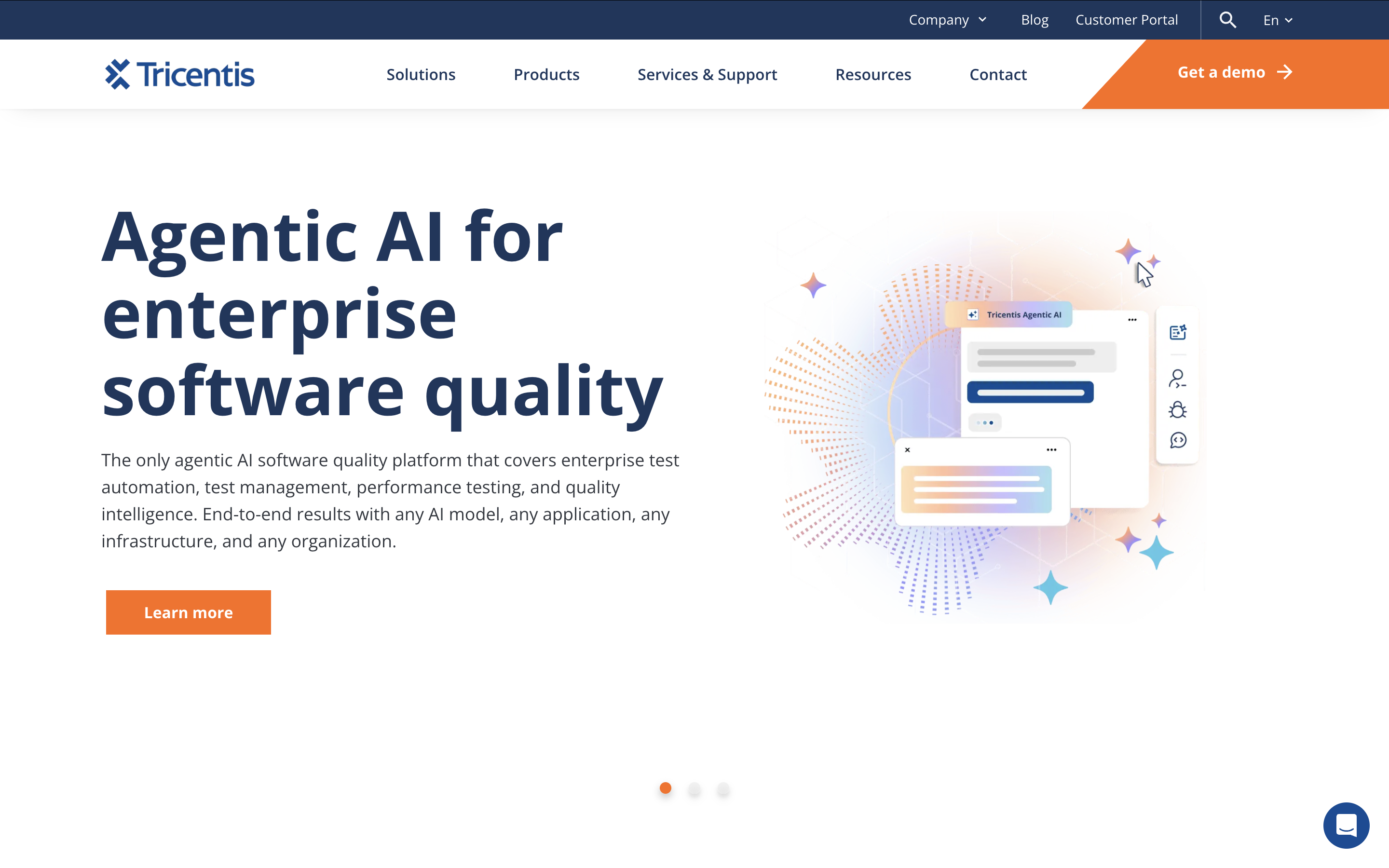
Tricentis Tosca is a comprehensive automated software testing tool for web, API, mobile, and desktop testing. It utilizes a model-based testing approach, enabling users to scan an application’s UI or APIs to create intuitive, business-friendly test models.
Feature Highlights:
Codeless test creation with high reusability using a model-based approach
Risk-based test optimization with smart test design and prioritized requirements
Service virtualization for realistic testing environments
Extensive API scanning with broad support for API technologies
Parallel and cross-platform testing for enhanced efficiency
Seamless integrations with testing frameworks and CI/CD tools
Pricing: Free plan available, with paid plans starting from $349/month
6. BugBug
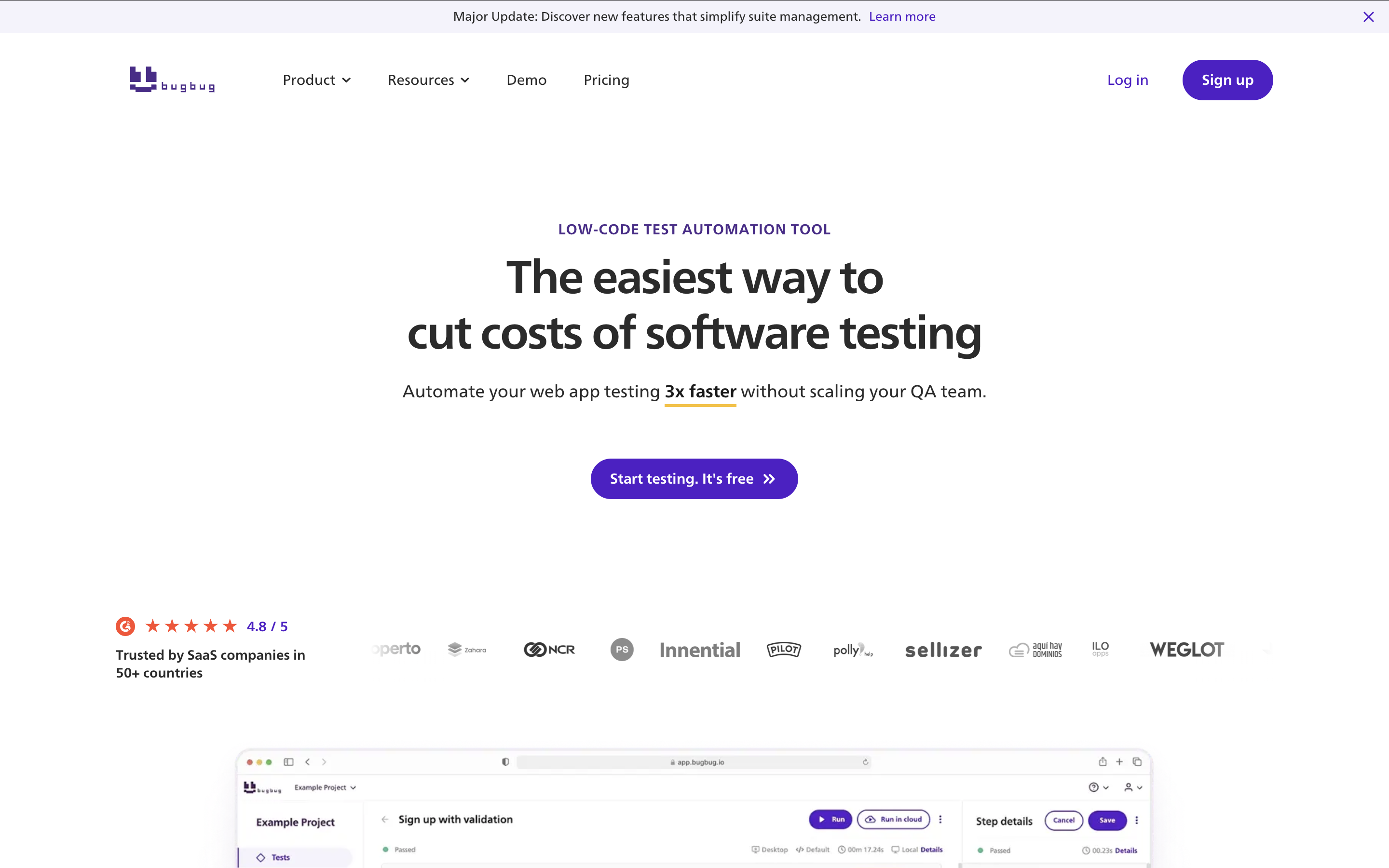
BugBug is a no-code test automation tool designed for web applications and websites, prioritizing ease of use and efficiency. It caters to both technical and non-technical users with an intuitive interface for creating, editing, and running automated tests—no extensive coding skills required.
Key Features & Advantages:
Automate web application test scenarios with a simple record-and-playback approach.
Intuitive Record & Playback that captures user interactions as test steps, enabling easy replay for bug detection and functionality verification.
Supports reusable components, custom variables, and test step re-recording for effortless updates.
Verifies and corrects selectors automatically, allowing manual edits or re-recording when necessary.
Waiting conditions & active waiting to ensure elements are ready before execution, minimizing flaky tests due to timing issues.
Cloud execution & local testing to run tests locally or leverage BugBug’s cloud infrastructure for faster, parallel testing.
Price: Free or from $99/month for Cloud Testing Plan
7. Leapwork
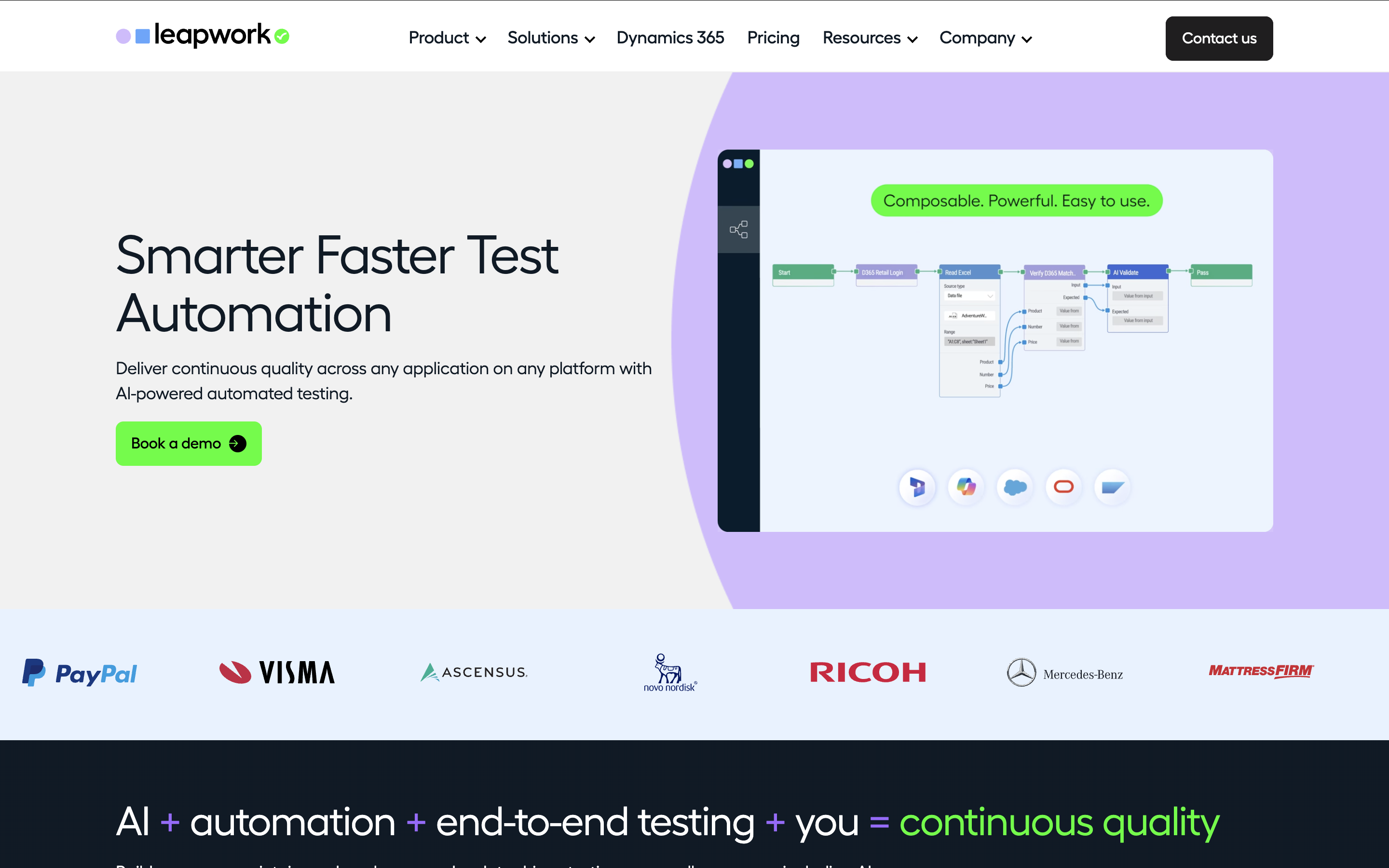
Leapwork simplifies UI test automation with a smart recorder that captures and defines elements with a click, turning test cases into automated flows effortlessly. Reusable sub-flows reduce maintenance and improve efficiency.
Key features include:
Failure diagnosis with video recordings, data insights, and logs.
Scalable testing across cloud providers, local, or remote machines, eliminating the need for physical devices.
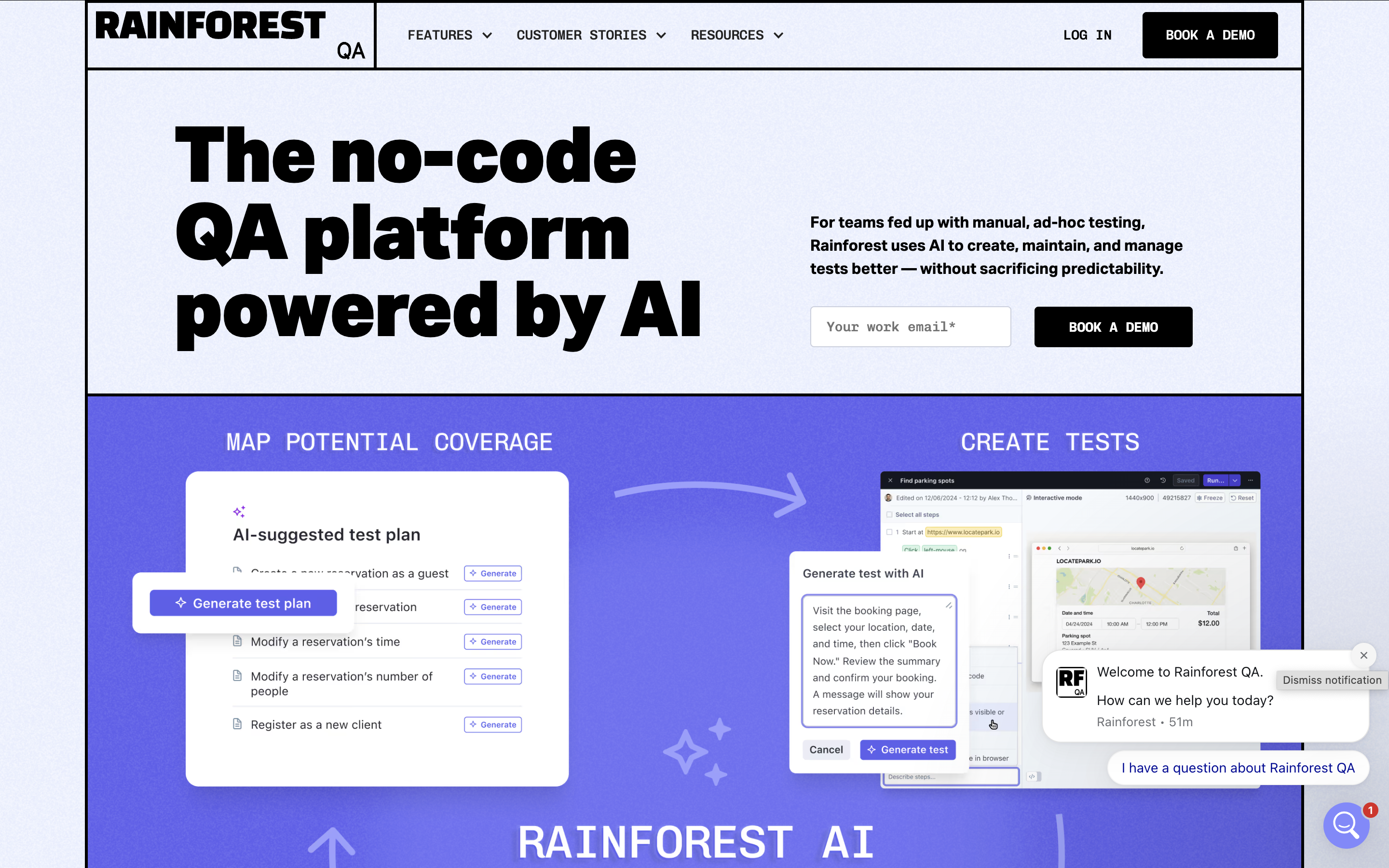
Rainforest offers a web-based platform enabling users to quickly generate automated test scripts with simple, plain-English prompts such as: “Create a new user account” or “Fill out the demo form with dummy data”.
Rainforest's AI can also update tests automatically to reflect changes in the application, eliminating the need for time-consuming manual updates after minor app modifications. There is even a Test Manager that verifies test results to prevent errors and ensure accuracy.
Key Features:
Create, manage, and run automated tests with a no-code framework, organizing them into groups, schedules, and priorities.
A global network of QA testers is available 24/7 for scripted application testing.
A dedicated QA Concierge handles test creation and upkeep for both automated and manual tests.
Tests run on virtual machines supporting multiple OS versions and browsers.
Automated tests complete in ~4 minutes, while manual tests take ~20 minutes.
Get debugging insights with repro steps, video recordings, HTTP logs, and browser logs.
Testers perform unscripted tests to find bugs and provide usability feedback.
Accelq is an AI testing tool that automates test designs and plans, and executes them. It is beneficial for testing UI, mobile, API, and PC software, providing a comprehensive view of the entire QA lifecycle.
Key features:
Automated test generation capabilities
Intuitive dashboard included
Features for predictive analysis and lifecycle test management
Functionize is a cloud-based automated testing tool used for functional, performance, and load testing, providing a comprehensive solution. This tool incorporates AI/ML technology to accelerate test creation, diagnosis, and maintenance.
You can effortlessly perform tests by typing your desired test scenarios in plain English, and the tool's natural language processing (NLP) generates functional test cases.
Key features:
AI and NLP-based automation testing
Test analytics and reporting tool for monitoring test results and software functionality
Testim is an AI-assisted end-to-end testing platform for web UI tests. It is web-based, so technical and non-technical users can build and update tests in the same place.
Key features:
Record-and-playback test authoring with visual editing
Smart locators and AI-based stabilizers that reduce flaky tests and maintenance
Conditional logic and reusable steps without code
Runs on demand, on a schedule, or in CI/CD pipelines
Failure classification with reason codes for faster debugging
Faster test creation: visual steps and reusable components replace boilerplate scripts.
More people can contribute: manual testers, analysts, and product managers can automate the flows they know best, while engineers focus on the hard cases.
Easier maintenance: shared steps and objects mean one fix updates every test that uses them, and many tools now self-heal broken locators.
Broader coverage: most tools cover web, mobile, and API testing in one place, so coverage grows without a framework per app type.
CI/CD-ready: tests run on every build, the same as scripted ones.
Which tests suit low-code and no-code tools?
Web UI flows such as login, search, and checkout
Mobile app tests on real devices and emulators
API tests with visual request setup and assertions
Data-driven tests that repeat one flow with many data sets
Regression suites built from reusable steps
Cross-browser runs of the same test
Highly custom logic, performance tests, and unit tests are usually better written in code.
No-code testing with AI agents
Older no-code tools recorded clicks and generated a script underneath, which broke when the UI changed. Newer platforms take a different approach: an AI agent reads a test case written in plain English and runs it in the app, adapting as it goes. In Katalon True, the AI Test Runner does this, so testers can run the test cases they already write without converting them to scripts.
Rolling out low-code testing across your team
Start small: automate a few high-value regression flows, show the time saved, then expand.
Build champions: a few testers who know the tool well help everyone else get started.
Run tests in the pipeline: trigger them from CI/CD on every build, from the same repository as the code.
Keep the toolchain simple: one tool that covers your app types beats several overlapping ones.
What To Look For When Choosing Low-code Testing Tools?
Ease of Use – Intuitive UI with drag-and-drop features for quick test creation.
Integration – Supports CI/CD pipelines, test management tools, and cloud platforms.
Scalability – Handles growing test cases and complex workflows efficiently.
Cross-Browser & Cross-Platform Support – Ensures compatibility across devices and browsers.
Automation Capabilities – Offers robust automation with minimal scripting.
Collaboration Features – Enables seamless teamwork with role-based access and version control.
Support & Community – Reliable customer support and an active user community for troubleshooting.
Frequently asked questions
Low-code testing tools reduce or hide coding complexity using things like record-and-playback, drag-and-drop, built-in keywords, and sometimes plain-English steps, so non-technical testers and mixed-skill teams can build and run automated tests faster.
Key criteria from the article include: ease of use, CI/CD and tool integrations, scalability, cross-browser/cross-platform support, strong automation capabilities, solid reporting/analytics, collaboration features, and dependable support/community.
The article lists these 12: Katalon, Mabl, TestComplete, Tricentis Tosca, TestSigma, BugBug, Leapwork, Rainforest QA, AccelQ, Functionize, Testim, and Ranorex Studio.
Because it supports no-code/low-code/full-code, centralized test management, scheduling, cross-environment execution (local/cloud/on-prem), and detailed reporting, across web, API, and mobile (plus packaged app testing), with CI/CD + ALM integrations and AI features like TrueTest.
They help teams write tests faster, let non-coders contribute to automation, and often integrate with CI/CD pipelines to enable continuous testing and broader coverage with less manual effort.
No-code and codeless testing let you build tests with no code at all, using record-and-playback, drag-and-drop, or plain-English steps. Low-code testing is mostly visual too, but lets you add scripts for complex logic. Most tools offer both.
Over the years, Alex has had the opportunity to learn from and work with highly talented people at some of the largest software and services companies in the world where, together, they transformed the way software was developed, tested and released for countless Fortune 500 companies.
Generate your first test case before you finish this article.Test management and execution. Manual or Automated. One platform, no syncing results between tools.