


Katalon Studio 5.7 adds Cucumber BDD testing support and Smart XPath to make automation projects easier to build and maintain.
Dear all,
We are happy to share with you a couple of major enhancements to Katalon Studio, which make it stronger to handle your automation testing projects. The 5.7.0 version provides new features and advanced improvements as a result of your feedback and contribution.
What’s new with Katalon Studio v5.7?
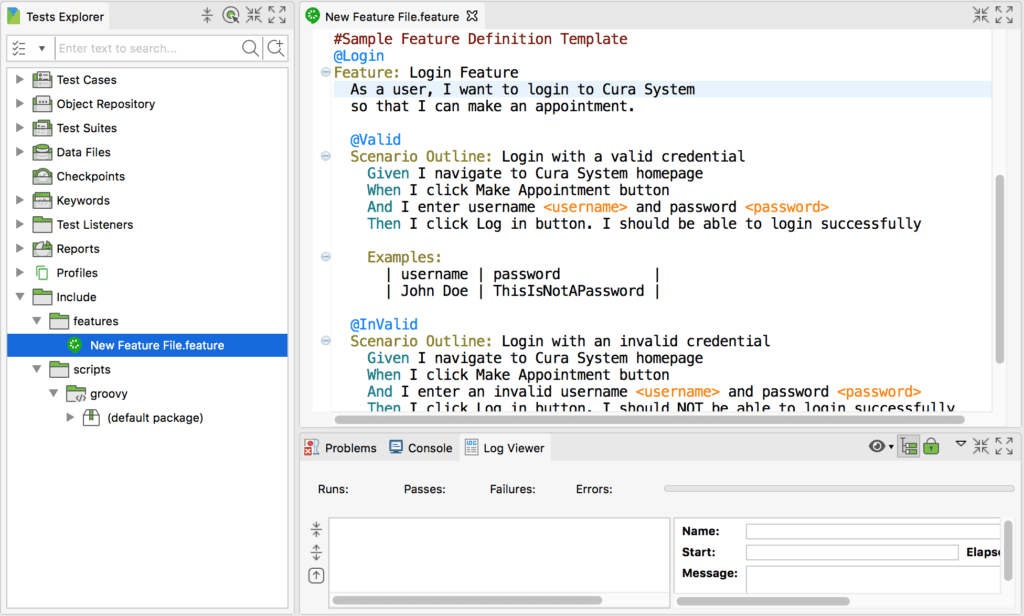
Cucumber Behavior-Driven Development (BDD) Testing Support
Katalon Studio 5.7 introduces all-new BDD testing capability allowing Business stakeholders to get involved in the testing process.
- Feature files are stored and displayed in Katalon Studio project structure
- Step definitions are implemented in Script Mode with hundreds of built-in keywords for reusability
- Easy-to-manage feature files as Katalon Studio test artifacts structure
Access the BDD Cucumber sample project on GitHub.
Improved Web Record Utility
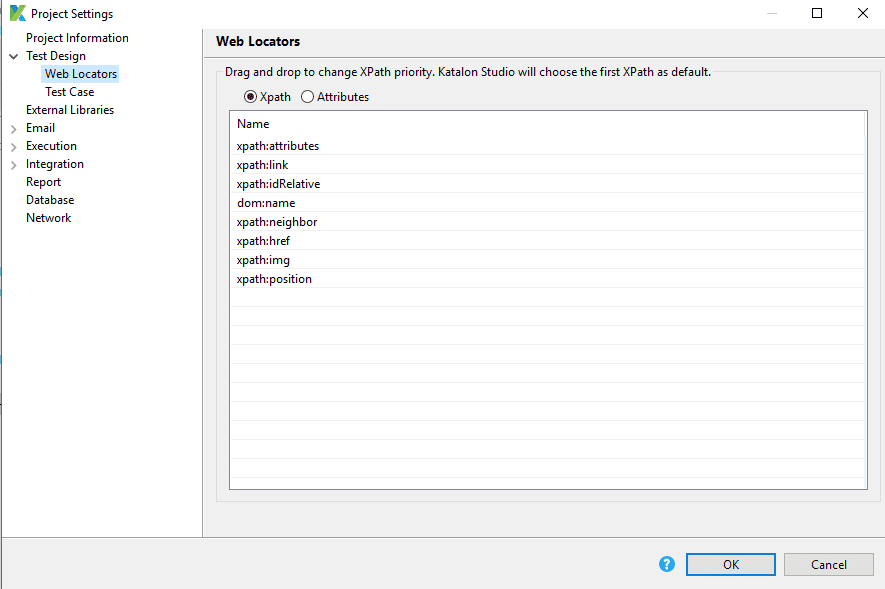
Katalon Studio 5.7 offers a new object selector, Smart XPath to help increase the possibility of successfully identifying an object.
- Locates Web elements by clustering visualization.
- Preserves the relationship between an element and its indicator in an item.
- Generates reliable locators to reduce test script maintenance cost.
Learn more on How to utilize Smart XPath
Support variables for API Testing
The API Testing process now becomes easier with a new Variables tab to the Web Service Object details view for further supports parameterization.
In-app Sign up and Activate Katalon Studio
Users no longer have to register an account on the website to download Katalon Studio. Simply download the tool, then sign up and activate it right inside the app, with a single step.
Other bug fixes and improvements
- Limit number of parallel executions to 8
- Move Profiles to the top of Tests Explorer
- Remove Quick Guide slides
- Fix an issue related to ‘Unable to resolve internally.GlobalVariables class’ error
We hope you enjoy the latest version of Katalon Studio. For any feedback or question, please let us know via Katalon Forum.
Happy Testing,
The Katalon team.
×




Test everything. Ship with confidence.
From generating test cases to spotting failures, Katalon's AI works across your entire pipeline, automatically.
