.svg)



API quality has become one of the biggest determinants of product stability, and the tools you choose for testing can make or break your release cycles. Katalon and Postman often enter the same conversation, yet they serve remarkably different purposes within a modern QA strategy.
While Katalon gives you an end-to-end automation ecosystem that spans UI, API, mobile, and desktop, Postman focuses deeply on API testing and collaboration. Understanding where each platform excels (and where it doesn’t) helps you choose the right foundation for your team’s workflow.
In this comparison, we’ll walk you through:
- Where Katalon offers advantages for enterprise-grade automation
- Where Postman shines in API testing and team collaboration
- The key gaps both tools present in real-world QA environments
- A clear, side-by-side breakdown to help you choose confidently
Let’s dive in!
Katalon advantages as more than just an API testing tool

When we compare Katalon to a specialized API tool like Postman, one thing becomes clear immediately: Katalon a full ecosystem.
It’s a full testing ecosystem designed to support you across UI, API, mobile, and desktop automation. That breadth gives enterprise QA teams a level of consistency that’s hard to find elsewhere.
If your organization juggles multiple test types, you’ll likely appreciate how Katalon reduces fragmentation. Instead of stitching together separate tools, frameworks, and dashboards, you get a unified workflow from test creation all the way through execution and reporting. This becomes even more valuable as teams grow, because the platform scales with you instead of forcing you to reinvent processes every few quarters.
Here are the advantages that stand out most clearly:
- End-to-end test coverage: Katalon supports API, web UI, mobile, and desktop automation in a single platform. You don’t need to set up multiple tools or create custom bridges between them.
- Built-in API testing capabilities: While Postman excels in API workflows, Katalon gives you a combined approach. API tests can live alongside UI and end-to-end flows, and that makes regression suites much more complete.
- AI-assisted testing: Features like self-healing locators and AI-generated test scenarios reduce the heavy lifting associated with test maintenance, which tends to balloon quickly in enterprise environments.
- Rich analytics through TestOps: Dashboards, release readiness views, flaky test detection, and requirement traceability help you see the full health of your testing ecosystem in a single place.
- Scalable execution with TestCloud: Instead of building your own infrastructure, you can run large suites across browsers, devices, and OS combinations without managing a grid or provisioning machines.
- Hybrid workflows for mixed-skill teams: Whether you have manual testers transitioning into automation or SDETs who prefer scripting, Katalon supports both styles through keywords, custom code, and reusable assets.
To help you visualize how broad Katalon’s coverage is compared to a single-purpose API tool, here’s a quick overview:
| Testing type | Katalon coverage |
|---|---|
| API testing | Complete API testing with assertions, chaining, environments, and CI integration |
| Web UI automation | Advanced locator handling, self-healing, and cross-browser execution |
| Mobile automation | Native and hybrid app support with emulators, simulators, and real devices |
| Test orchestration | Scheduling, resource allocation, and pipeline integration through TestOps |
The more your testing needs expand, the more you start seeing the value of a unified approach. And for enterprise QA teams navigating rapid release cycles, that cohesion often becomes the deciding factor.
📝 Ready to see how Katalon fits your testing team? Request a personalized demo and explore the platform in action.
Postman advantages as an API lifecycle management tool
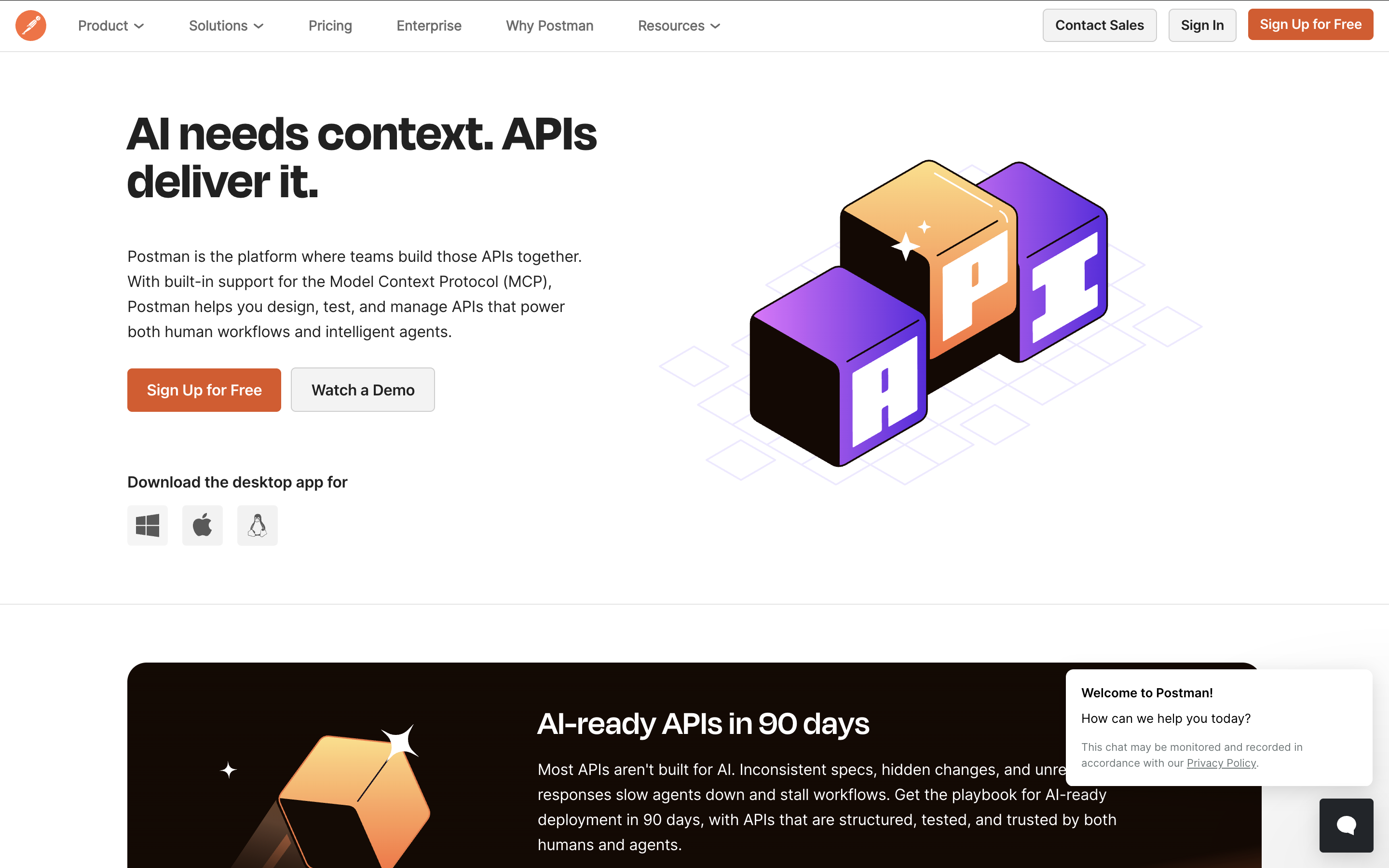
Postman has long been the go-to solution for API development and testing, and once you spend a little time with it, the appeal becomes obvious. It gives you an incredibly intuitive workspace for designing, testing, documenting, and monitoring APIs, all in one place. Instead of juggling cURL commands, scattered scripts, and ad-hoc documentation, you get a platform that organizes your entire API lifecycle in a way that feels natural and collaborative.
Where Postman truly shines is in the way it shortens feedback loops. Engineers can mock an API before it exists, test new endpoints instantly, and share collections with teammates without friction. For QA teams, that means you’re no longer waiting on complete UIs or backend wiring to begin validating behavior; you can start testing far earlier in the development cycle.
Here are the advantages that consistently stand out:
- Exceptional API testing workflow: Collections, environments, variables, and built-in scripting let you validate everything from simple GETs to complex multi-step workflows with precision.
- Powerful mocking and prototyping tools: You can spin up mock servers that behave like your future APIs, enabling your QA team to build tests even before the backend is ready.
- Team collaboration features: Shared workspaces, versioning, and role-based visibility make it easy for developers and testers to co-own API quality without stepping on each other’s work.
- Newman CLI for automation: Postman isn’t just a UI tool. With Newman, you can run entire collections in CI/CD pipelines, validate contract behavior, and enforce standards across environments.
- Rich API documentation generation: Collections can be instantly converted into beautifully formatted docs, helping internal teams and external partners understand your API landscape with minimal effort.
- Governance and API lifecycle support: Policies, schema validation, and rulesets let you manage consistency across large API portfolios, something enterprise teams often struggle with.
To give you a sense of how Postman fits naturally into automation pipelines, here’s a simple example showing how a collection can be executed via the Newman CLI:
This tiny snippet reveals a lot about Postman’s personality: straightforward, scriptable, and CI-friendly. You don’t need a large framework or special setup; you just run the collection and get immediate visibility across environments.
For organizations that depend heavily on APIs, whether you're managing microservices, gateways, integrations, or third-party communication, Postman gives you clarity, structure, and collaboration that scale beautifully as your API surface grows. It’s not meant to replace full end-to-end automation tools, but within its domain, it’s exceptionally strong.
Katalon gaps
Even though Katalon brings a wide, unified testing ecosystem to the table, there are still areas where the platform may not perfectly align with your workflow, especially if your team leans heavily toward code-first API engineering. These gaps aren’t deal-breakers, but understanding them early helps you set the right expectations and avoid friction later on.
Let’s walk through the most meaningful limitations we’ve seen enterprise teams encounter:
- Less granular control for API specialists: Postman gives engineers a very fine-grained way to design, prototype, mock, and version APIs. Katalon supports API testing well, but it doesn’t offer the same depth of API governance or collaboration workflows that API-first teams rely on.
- More structure than some teams prefer: Katalon’s built-in conventions are great for consistency, but if your engineers are used to crafting bespoke automation frameworks, they might feel constrained by the platform’s opinionated patterns.
- Relying on the full ecosystem for best results: Studio, TestOps, and TestCloud are designed to work together. If you only adopt Studio without the orchestration or analytics layers, you may feel like you’re not tapping into the platform’s full potential.
Katalon ultimately shines when you're looking to unify test creation, execution, and analytics across different application layers. But for organizations that revolve entirely around API testing workflows, or teams that prefer complete scripting freedom with minimal abstraction, these gaps are worth factoring into your evaluation.
Postman gaps your team should know
Postman does an outstanding job within the API lifecycle, yet it’s still important to recognize where the platform may fall short, especially when you're comparing it against a full end-to-end testing solution like Katalon. None of these gaps diminish its value as an API powerhouse, but they do shape how far it can support you across broader QA needs.
With that in mind, here are the most noticeable limitations teams tend to encounter:
- No UI, mobile, or desktop automation capabilities: Postman focuses strictly on APIs. If your team needs integrated UI or end-to-end testing, you'll have to combine Postman with other tools, which increases complexity and slows down workflows.
- Limited test orchestration for large-scale operations: While monitors and Newman runs are useful, they don’t replace a dedicated execution environment. Scaling thousands of API tests across environments often requires extra infrastructure or third-party services.
- No unified analytics layer for mixed test types: Postman provides some API performance insights, but it doesn’t offer centralized reporting across web, mobile, or regression suites. Enterprises usually want a bird’s-eye view that spans all layers of the application.
- Higher maintenance overhead for complex automations: Postman scripts can become hard to manage at scale, especially when your collections grow large or when logic becomes deeply intertwined across tests.
- Requires external CI tooling for mature pipelines: Postman by itself isn’t a full automation system. To run tests as part of release cycles, you need to configure pipelines, reporting, environments, and exporting manually.
- Collaboration depends on licensing tiers: Many of Postman’s strongest collaboration and governance features sit behind paid plans. For enterprise teams, this can influence cost modeling early in the evaluation process.
To make this easier to visualize, here’s a compact summary of the core limitations and their practical impact for teams:
| Area | Limitation | Impact |
|---|---|---|
| Testing scope | API-only testing, no UI or mobile flow coverage | Harder to validate true end-to-end user journeys |
| Execution scale | No native cloud grid or large-scale orchestration | Teams must build or buy additional infrastructure |
| Reporting | Limited analytics beyond collection results | Reduced visibility for enterprise-wide QA insights |
| Maintainability | Complex scripts lead to heavier upkeep | More time spent managing logic, less time improving quality |
Postman delivers extraordinary value for API-centric teams, but it isn’t designed to act as a comprehensive test automation platform. If you need a solution that spans UI, mobile, API, orchestration, analytics, and scale, you’ll likely find yourself assembling multiple tools around Postman rather than relying on it as the center of your QA ecosystem.
Katalon vs BrowserStack: Side-by-side comparison
When teams compare Katalon with BrowserStack, the conversation shifts from feature-to-feature analysis to a deeper look at responsibility. Katalon is a unified automation platform covering test creation, execution, analytics, and governance. BrowserStack, meanwhile, exists to solve a different challenge entirely: giving you instant access to real browsers and devices in the cloud. Both tools can coexist, and many teams use them together, but understanding where each one fits helps you decide how to structure your QA stack without overengineering it.
To help you get clarity quickly, here is a structured side-by-side breakdown across the dimensions that matter most in enterprise settings:
| Category | Katalon | BrowserStack |
|---|---|---|
| Purpose | End-to-end test creation, orchestration, analytics, and execution | Cloud platform offering real browsers and devices for testing |
| Automation scope | Supports UI, API, mobile, and desktop automation in one ecosystem | Executes tests created elsewhere; no built-in test authoring framework |
| Execution environments | Local execution, remote execution, and scalable cloud runs via TestCloud | 3,000+ real browser/device/OS combinations accessible instantly |
| Test management & analytics | Comprehensive dashboards, flaky-test insights, requirements mapping, coverage analytics | Basic test session insights; no centralized test management system |
| AI capabilities | AI-assisted test generation, self-healing locators, and maintenance reduction | No native AI assistance; relies on automation frameworks used by the tester |
| Skill fit | Great for cross-functional QA teams with mixed skill levels | Best for teams that already have automation frameworks and need execution at scale |
| Primary value | Accelerates test creation and simplifies the entire QA lifecycle | Provides reliable cloud infrastructure for running tests across real devices |
| Best fit | Teams wanting a unified testing ecosystem covering API, UI, and mobile | Teams needing broad device/browser coverage without managing hardware |
When you compare the two side by side, the distinction is unmistakable. Katalon helps you build, organize, and scale your tests. BrowserStack helps you run those tests across environments you would never want to maintain yourself. They solve different problems, and in many enterprise QA setups, they actually complement each other beautifully.
If your team wants to streamline the entire automation lifecycle, Katalon gives you the structure and intelligence to scale confidently. If your priority is achieving broad cross-browser reliability without owning physical devices, BrowserStack becomes the perfect execution layer. For many organizations, the winning move is not choosing one over the other, but integrating the strengths of both.

|
